PluginSift
PluginsThemesCompare
Directory
  • Plugins
  • Themes
  • Compare Plugins
Plugin Comparisons
  • SEO
  • Security
  • Ecommerce
  • Page Builders
  • Caching
  • Backup
  • Forms
  • Analytics
Resources
  • About
  • Contact
  • llms.txt

© 2026 PluginSift. Data sourced from WordPress.org. · [email protected]

  1. Home
  2. Plugins
  3. Vscode
  4. Markdown with Block Editor
Markdown with Block Editor icon

Markdown with Block Editor

You can edit markdown in a VSCode-like editor on the block editor.

By 電気クラゲ·Vscode·Free
00
·0 active installs·Updated 2 weeks ago
DownloadCompare

As of April 2026, Markdown with Block Editor is a WordPress vscode plugin with 0 active installations and a 0/5 rating0. It has been downloaded 241 times in total. Requires WordPress 6.8+ and PHP 8.0.30+. Available on WordPress.org since 2026. Actively maintained — updated within the last month.

0/5Rating
0active installs
241total downloads
3 monthssince 2026

Overview

You can write Markdown using a VSCode-like editor.
It provides minimal functionality for editing Markdown.
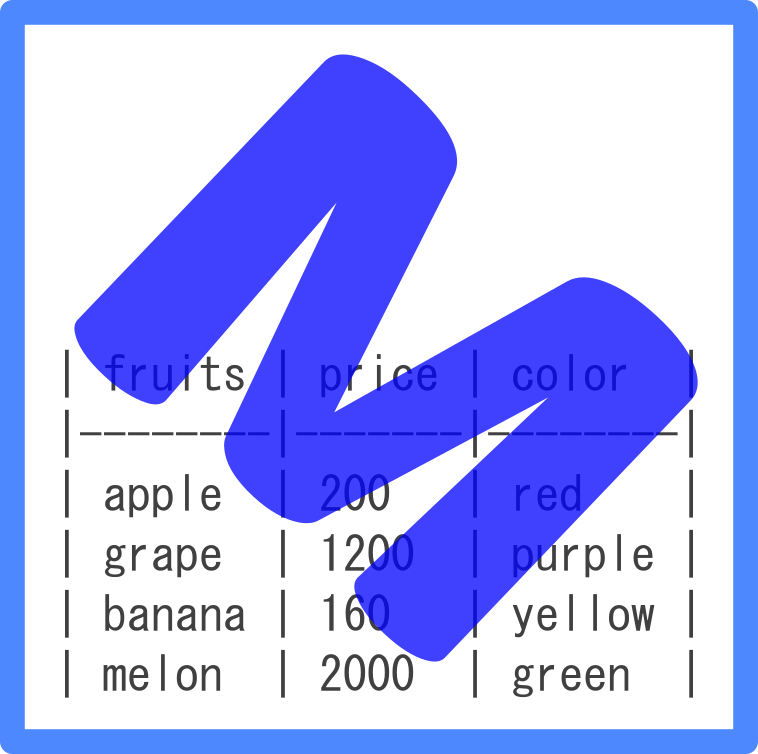
for example. (add bold, strikethrough, text decorations, adding images, code highlighting, and table formatting, etc…)

YoutTube

https://www.youtube.com/watch?v=gg4OQWs79JE&t=7s

Read full description on WordPress.org

Screenshots

Ratings & Reviews

00 reviews
5 ★
0
4 ★
0
3 ★
0
2 ★
0
1 ★
0

Compatibility

WordPress6.8+ requiredTested up to 6.9.4
PHP8.0.30+ required

Frequently Asked Questions

Changelog

0.1.4

  • Bug fixes for appContext and toolbar commands.
View full changelog on WordPress.org

Contributors

電気クラゲ電気クラゲ
Plugin Info
Version
0.1.5
Last Updated
Mar 20, 2026
WP Requires
6.8+
Tested Up To
6.9.4
PHP Requires
8.0.30+
Active Installs
0
Downloads
241
Added
Jan 18, 2026
Business
Free

Tags

vscodemarkdown

Developer

電
電気クラゲ
2 plugins0
View all plugins →

Plugin data sourced from WordPress.org. Analysis and metrics by PluginSift.